How to Swap the Pod and Charge a Foger Switch Pro 30K
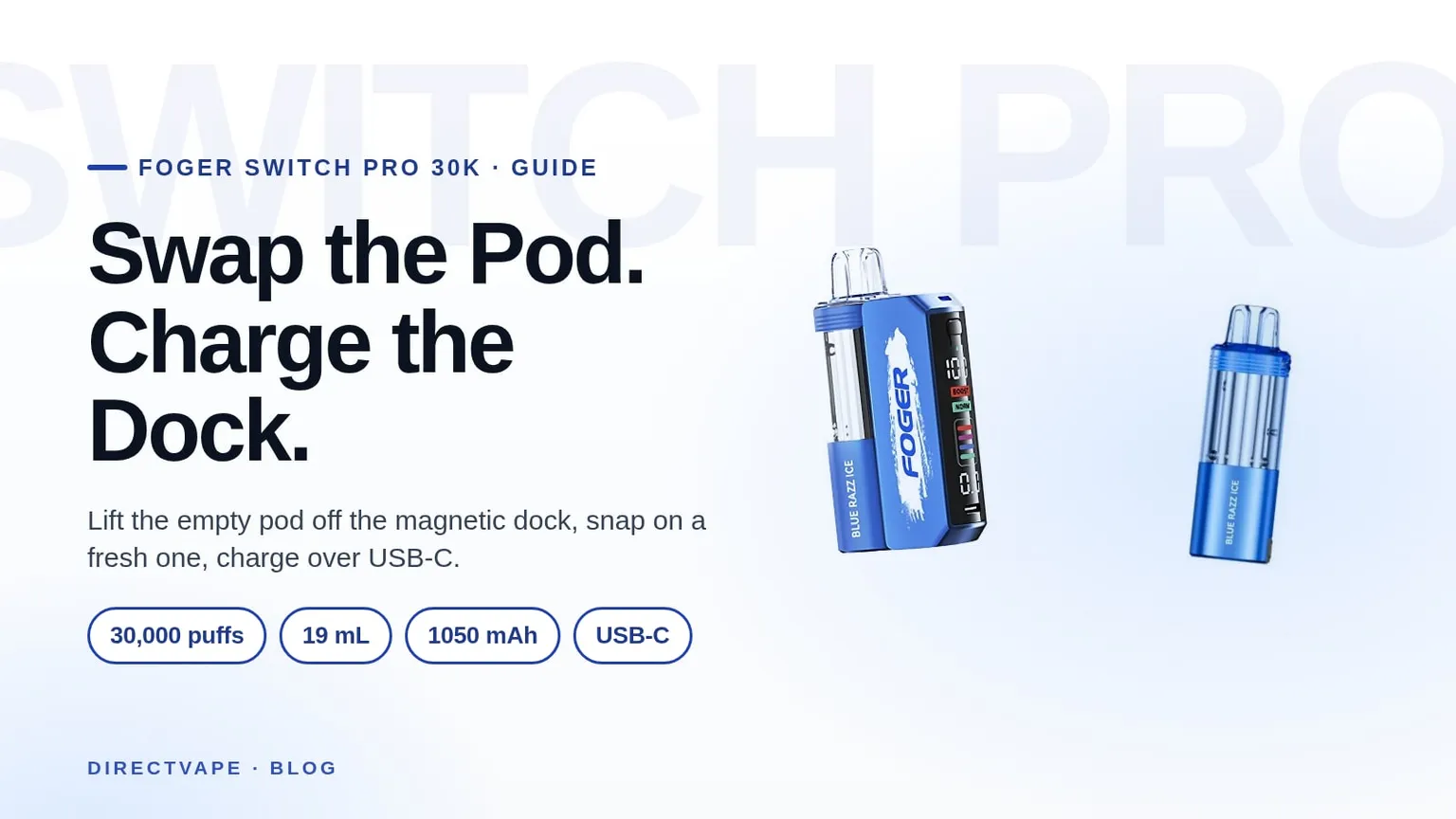
Lift the empty pod off the magnetic dock, snap on a fresh one, and charge the dock over USB-C
Don 6 min read
Key Takeaways
- The Foger Switch Pro 30K Kit is two parts, a charging dock and a pre-filled pod, and the pod holds 19 mL that Foger rates at up to 30,000 puffs.
- A pod swap takes no tools: lift the empty pod straight up off the magnetic dock and press a fresh Switch Pro 30K Pod down until it snaps.
- The kit charges through the USB-C port on the dock, and the kit's battery is listed at 1050mAh.
- The dock recognises only Foger's own encrypted Switch Pro pods, so a pod it does not accept will not fire.
- The pods are 5% nicotine and have no fill port; when one runs out you replace the pod and keep the dock.
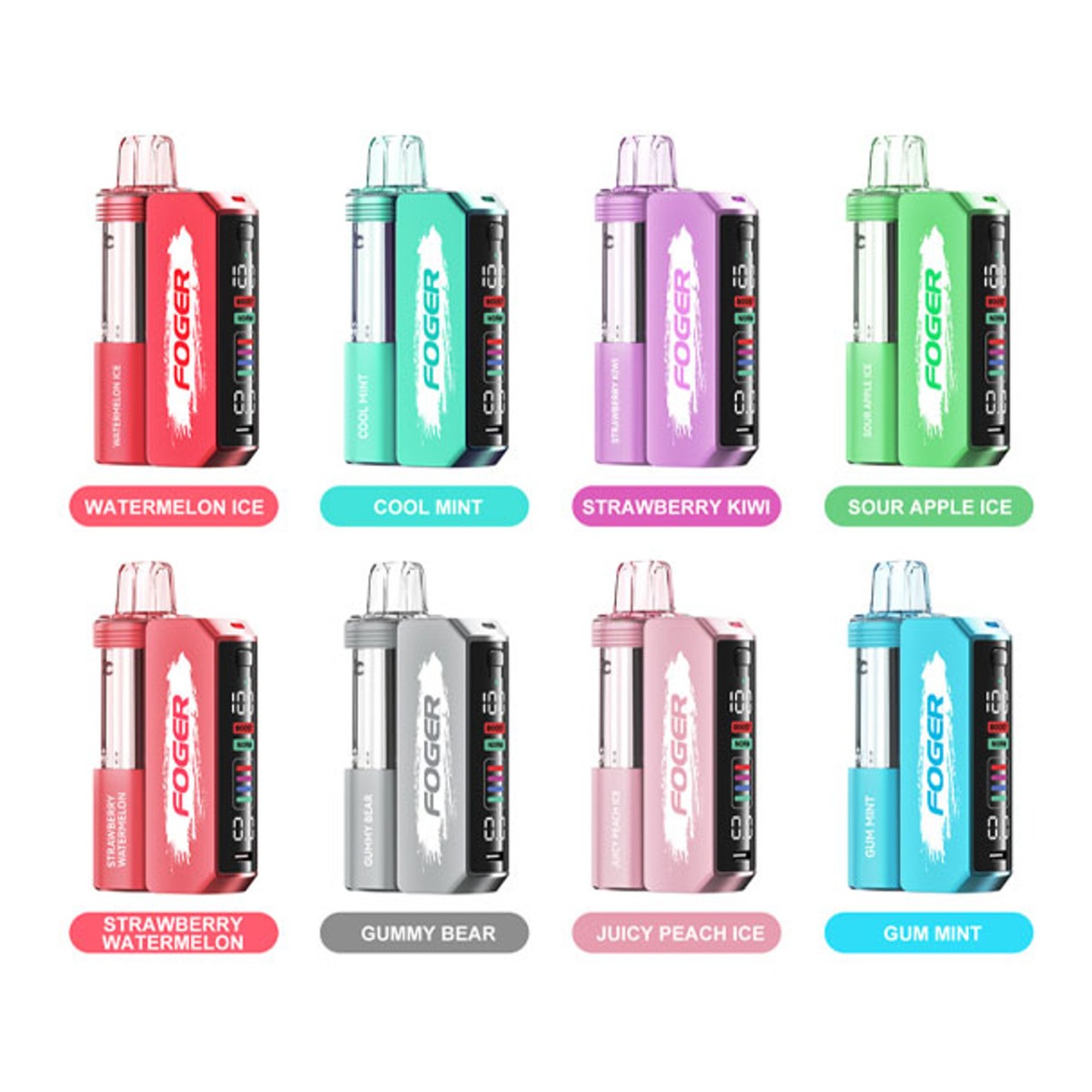
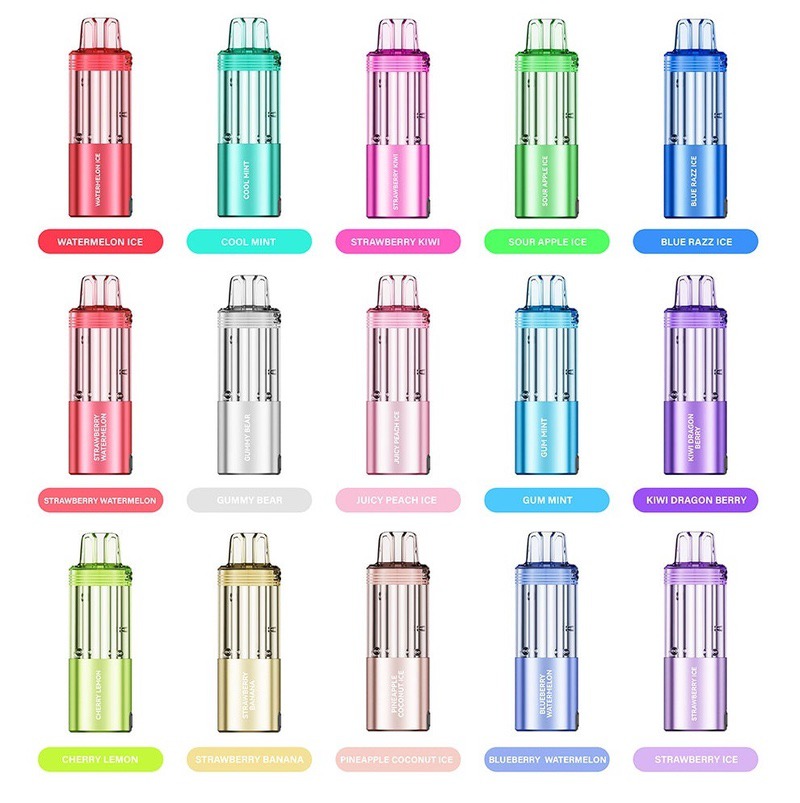
The Foger Switch Pro 30K Kit is a disposable in two pieces. Foger describes it as a pre-filled pod and a magnetized charging dock, and the dock is the part you keep, so the two jobs you will do most are swapping a spent pod for a fresh Switch Pro 30K Pod and charging the dock over USB-C.
The steps below follow Foger's own product pages and the instructions published by fogervape.com, the outlet Foger names as its authorized online retailer. Every figure is the catalog's or Foger's rating; we have not timed a charge or counted puffs ourselves.
What You Need And When To Swap
- Your Foger Switch Pro 30K dock, the charging half of the kit.
- A fresh Foger Switch Pro 30K Pod, pre-filled with 19 mL at 5% nicotine.
- A USB-C cable.
- A low-power USB source: a basic wall plug, a laptop USB port or a power bank.
- A dry, lint-free cloth for the contact pins.
If your dock is lost or will not charge, the Foger Switch Pro Battery is the dock sold on its own, with no pod in the box. Foger's page for it says it recognises only its designated encrypted pods, so it runs any genuine Switch Pro 30K Pod and nothing else.
How To Tell The Pod Is Empty
Foger says the screen on the dock shows your battery level and puff time, and fogervape.com's instructions add that the e-liquid reading drops to zero when the pod is spent. If the flavor thins out or turns burnt before the screen says so, treat the pod as finished anyway.
Foger's pod page is plain about what comes next: once the flavor runs out, you buy a pod on its own to go with your charging dock. A refill on this device means a pod swap, since the pod has no fill port and no bottle is involved.
How To Swap The Pod
- Check the dock's screen for an e-liquid reading at zero, or confirm the flavor has gone flat.
- Hold the dock in one hand and the pod in the other.
- Lift the empty pod straight up off the dock. It sits on a magnetic connection, so there is no twist and no tool.
- Look at the gold contact pins on top of the dock and wipe off any residue or moisture with the dry cloth.
- Take a fresh Switch Pro 30K Pod out of its sealed packaging.
- Line the new pod up over the dock contacts.
- Press it down until it snaps into place.
- Check the screen for a full e-liquid reading.
- Take a draw. Foger says there is no wait and no priming, so the pod is active on the first pull.
If the screen shows a code instead of its usual readings after the swap, lift the pod off, clean the pins again and reseat it until it snaps. The dock refuses pods it does not recognise, so a copy or a pod from another Foger family will not fire on it.
How To Charge The Dock
- Find the USB-C port on the dock. The gold pins on the pod seat connect the pod and do not take a charger.
- Plug a USB-C cable into the port.
- Plug the other end into a basic wall plug, a laptop USB port or a power bank.
- Leave the pod on or take it off. Either works, and the dock charges the same way.
- Watch the screen. It shows a charging icon and a percentage while power is going in.
- Unplug when the screen reads full. Foger lists overcharge protection on the dock, and a full battery has no use for the cable.
Skip high-wattage laptop fast chargers. fogervape.com's charging guide says the dock detects the mismatch and refuses to charge, which looks like a dead device when it is only a refused charger. Foger describes the dock as a pass-through charger, so with the pod attached the dock also feeds the pod's own cell through the contact pins.
Modes And Airflow While You Are At It
Foger describes the Switch Pro as dual mode, Normal and Boost, with adjustable wattage output, and rates the pod at up to 30,000 puffs in Normal Mode. Boost Mode draws harder on the same 19 mL, so Foger's rating in that mode is lower, and each mode name is a setting on the dock, chosen by you.
The airflow is adjustable, and Foger describes it as a way to set the draw resistance to your own preference. If a draw feels blocked after a swap, the airflow is the first thing to open before you blame the pod.
Symptom, Cause And Fix
| Symptom | Likely cause | Fix |
|---|---|---|
| Screen blank, no draw | Dock battery fully drained | Plug into USB-C on a basic source and give it a short while to wake |
| Screen shows a code right after a swap | The dock cannot read the pod | Lift the pod, wipe the gold pins with a dry cloth, reseat until it snaps |
| Plugged in, no charging icon | Debris in the USB-C port | Clear lint with a dry toothpick, never metal, never while plugged in |
| Plugged in, port clean, still no icon | High-wattage charger refused | Move to a basic wall plug or a laptop USB port |
| Still no charge after both checks | The cable | Try another USB-C cable; if that fails, ask about a warranty replacement |
| Draw feels blocked or weak | Airflow closed or pod not seated | Open the airflow, then lift and reseat the pod |
| Flavor thin or burnt with liquid still showing | Pod at the end of its life | Swap in a fresh Switch Pro 30K Pod |
| Pod snaps on but will not fire | Pod not recognised by the dock | Use a genuine Foger Switch Pro 30K Pod from sealed packaging |
Keep The Dock, Replace The Pod
Swap the pod when the screen reads empty or the flavor goes flat, and charge the dock on a basic USB source whenever the battery reading drops. Buy the pod on its own when you only need liquid, and buy the Battery only if the dock itself is lost or still will not charge after the port, charger and cable checks above.
The Foger brand page lists the kit, the pod and the dock together, and other devices rated at the same count sit in the 30,000 puffs range.
FAQ
How Many Puffs Is A Foger Switch Pro 30K Pod Rated For?
Foger rates the pod at up to 30,000 puffs from 19 mL of e-liquid in Normal Mode.
Can I Refill The Pod With E-Liquid?
No, Foger treats a refill as swapping in a fresh 19 mL pod, and the pod has no fill port.
What Battery Does The Kit Carry?
The Foger Switch Pro 30K Kit is listed at 1050mAh and charges through the USB-C port on the dock.
Does The Pod Need To Be On The Dock To Charge?
No, the dock charges with the pod on or off, and with the pod on it also feeds the pod's own cell through the contact pins.
What Nicotine Strength Is The Pod?
The Foger Switch Pro 30K Pod is 5% nicotine.
WARNING: This product contains nicotine. Nicotine is an addictive chemical.
Don
Product Writer
Don writes the guides and comparisons for DirectVape. He reads spec sheets the way other people read menus, keeps a drawer of half-used disposables for reference, and will not call a device the best anything without a number next to it. Every pick he makes comes with a skip-if.
View All Posts